Compiler Engineer
Expertise: C++, MLIR, LLVM.
Expertise: C++, MLIR, LLVM.
Objective:
Built a complete frontend with a custom lexer, recursive descent parser, Abstract Syntax Tree (AST),
and AST to MLIR lowering pipeline. Developed a custom MLIR dialect using TableGen/ODS, including operations, attributes, regions,
builders, verification, and operation interfaces. Implemented lowering across MLIR dialects including Arith, Func, SCF, and MemRef,
and integrated LLVM IR generation and native code generation. This project demonstrates practical experience with compiler frontend
design, SSA based intermediate representations, IR construction, dialect design, lowering, and LLVM/MLIR compiler infrastructure.
• GitHub: https://github.com/ivomofor/toy-compiler-
Objective:
Build and train a basic character-level Recurrent Neural Network (RNN) to classify words from scratch showing how preprocessing
to model NLP works at a low level. The character-level RNN reads words as a series of characters, outputting a prediction and “hidden state”
at each step, feeding its previous hidden state into each next step. It takes the final prediction to be the output, i.e. which
class the word belongs to.
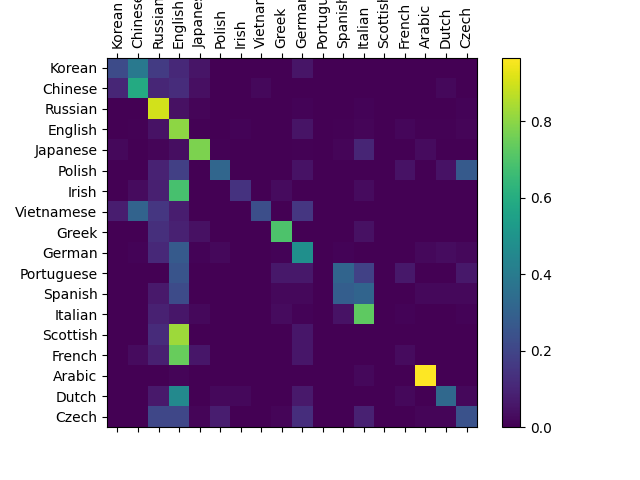
Specifically, it train on a few thousand surnames from 18 languages of origin, and predict which language a name is from based on the spelling
A confusion matrix is used To see how well the network performs on different categories, indicating for every actual language (rows) which language the network guesses (columns).

Objective:
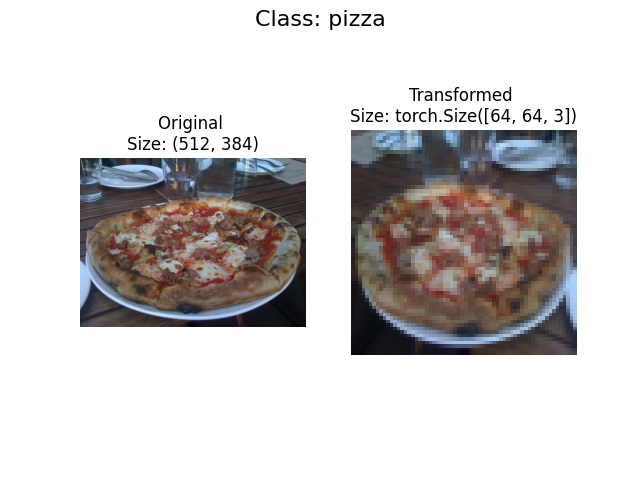
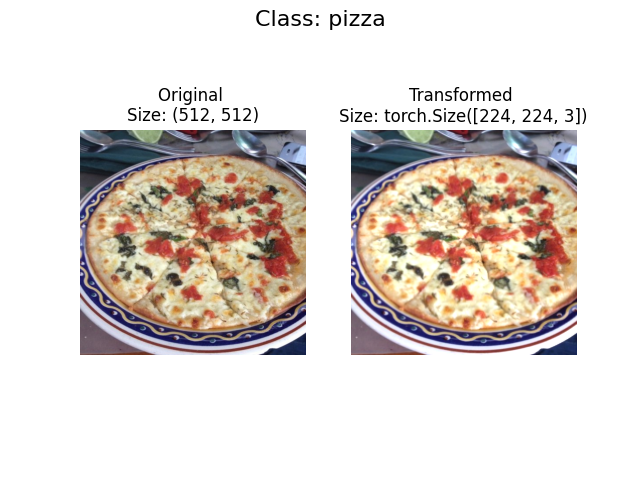
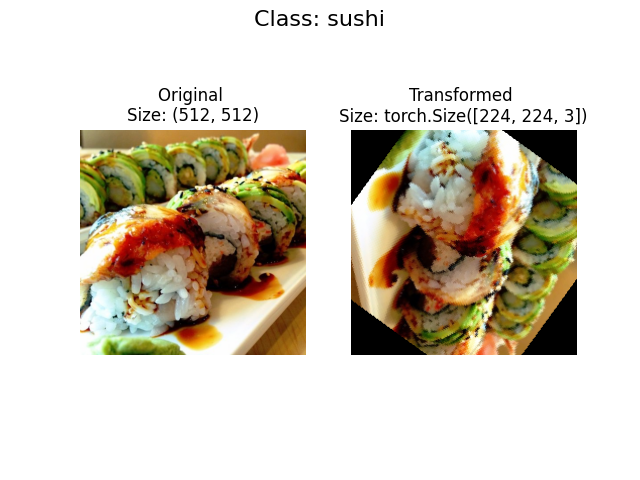
Using torchvision.datasets as well as a custom Dataset class to load in images of food and then
build a PyTorch computer vision model to be able to classify them.

Objective:
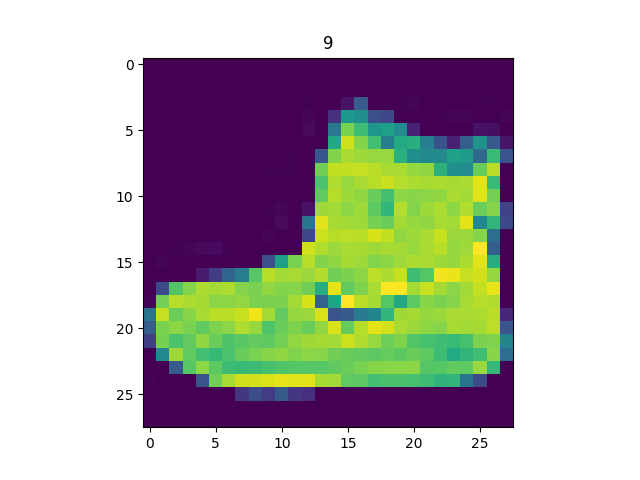
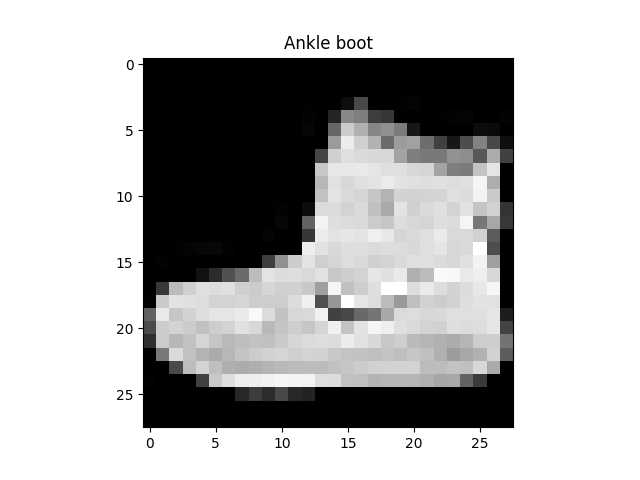
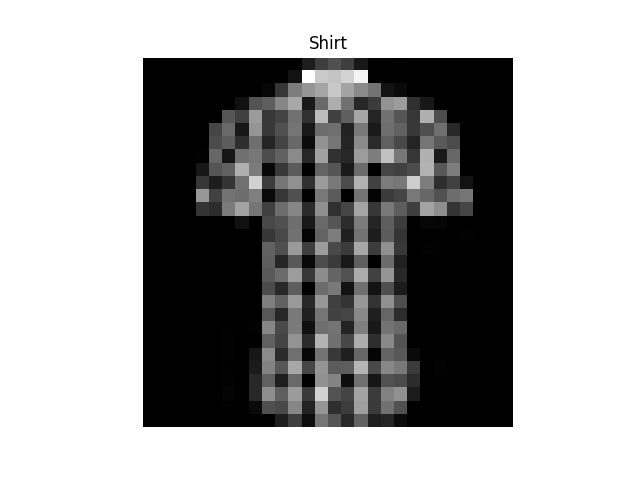
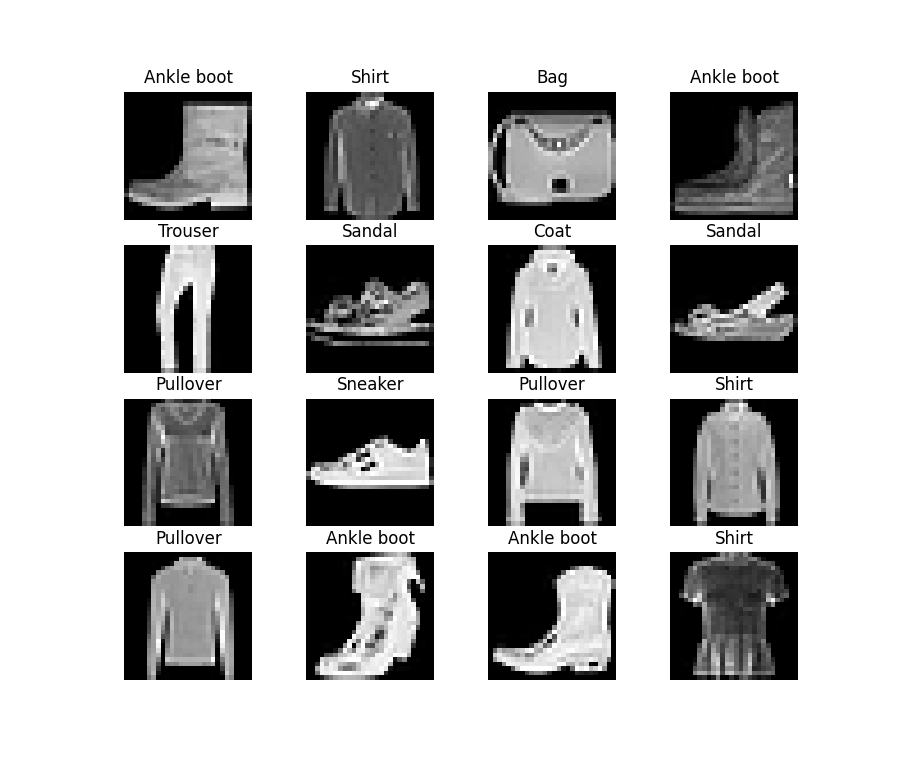
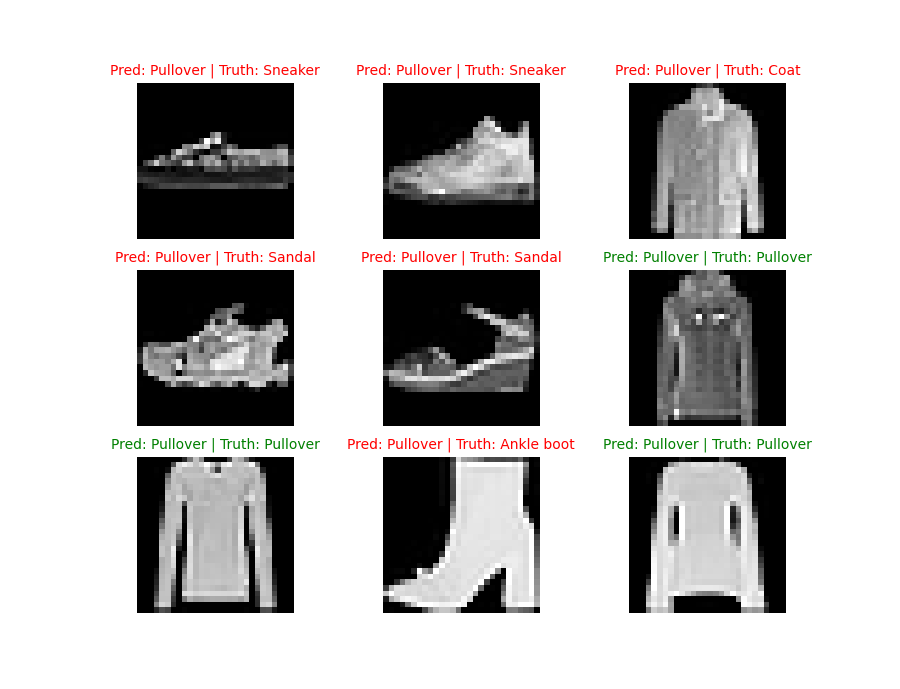
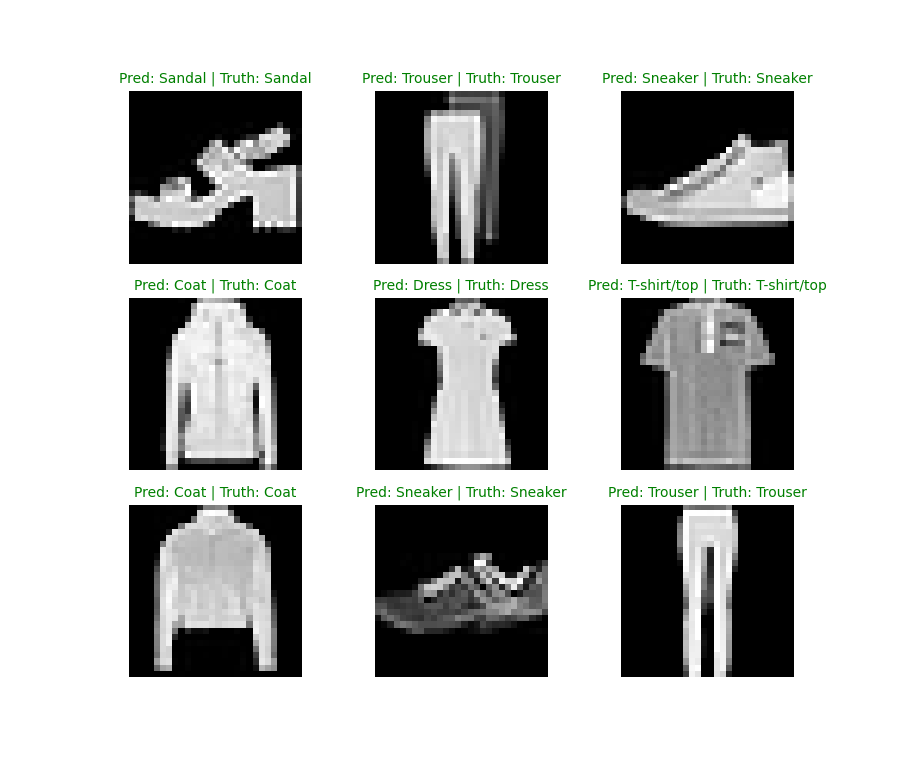
A computer vision neural network to identify the different styles of clothing in images. The essence is taking pixel values and building a model
to find pattens in them to use on future pixel values.
Key Features:
This project uses images of different pieces of clothing from the FashionMNIST dataset. The images are loaded with Pytorch Dataloader to
be used in a training loop. Multiclass classification model has been used to learn patten in the data while nn.CrossEntropyLoss() loss function,
and an SGD optimizer was used to build a trainign loop. Mini-bactches of 32 was used for gradient descent to perform more often per epoch one per
mini-batch rather than once per epoch. A baseline of 2 nn.Linear() layers was used as a starting point with nn.Relu() non-linear functuon and
improved upon with subsequent,
more complicated models. nn.Flatten() was used to compress the dimensions of a tensor into a single vector.
Convolutional Neural Network from TinyVGG was used to improve upon the baseline, nn.conv2d() as the convolutional layer, and nn.MaxPool2d() for max pooling layer.
Objective:
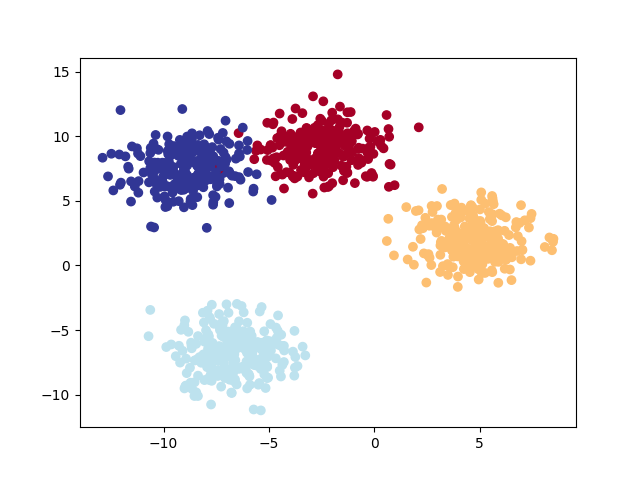
Classifying something from a list of more than two options (e.g. classifying a photo as a cat a dog or a chicken)
Key Features:
Classification data: Leverage Scikit-Learn's make_blobs() method. This method will create however many classes (using the centers parameter).
Turn data into tensors: Turn the data into tensors (the default of make_blobs() is to use NumPy arrays).
Split data into training and test sets: Split the data into training and test sets using train_test_split().
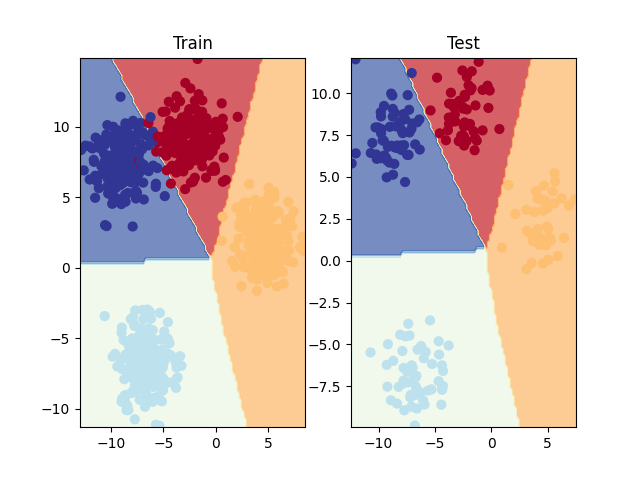
Buil a multi-class classification model: Subclass nn.Module that takes in three hyperparameters: input_features - the number of X features coming into the mode,
output_features - the ideal numbers of output features, and hidden_units - the number of hidden neurons for each hidden layer to use.
Set up device agnostic code for the model to run on CPU or GPU if available.
Loss and activation function with optimizer: Use the CrossEntropyLoss() method as loss function and
Stochastic Gradient Descent for optimizer with a learning rate of 0.001 for optimizing, and softmax for activation.
Objective:
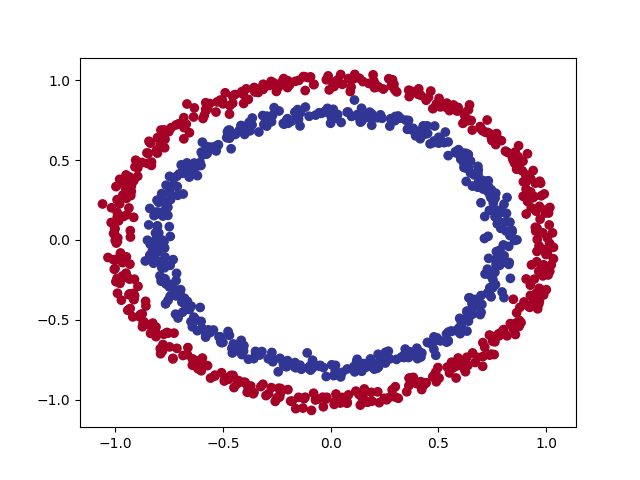
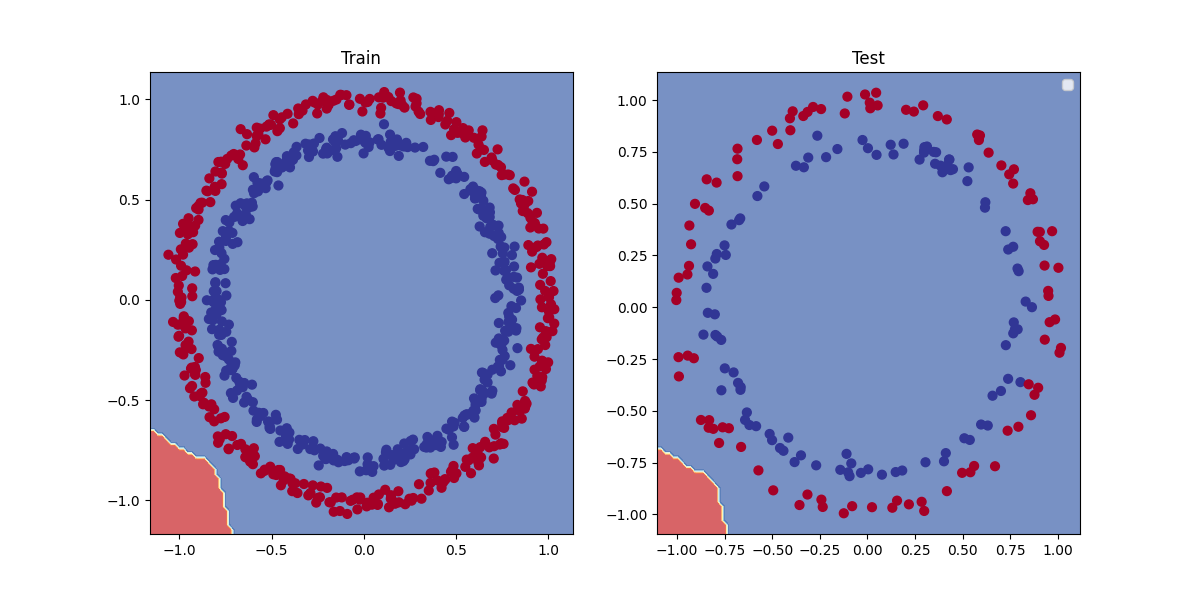
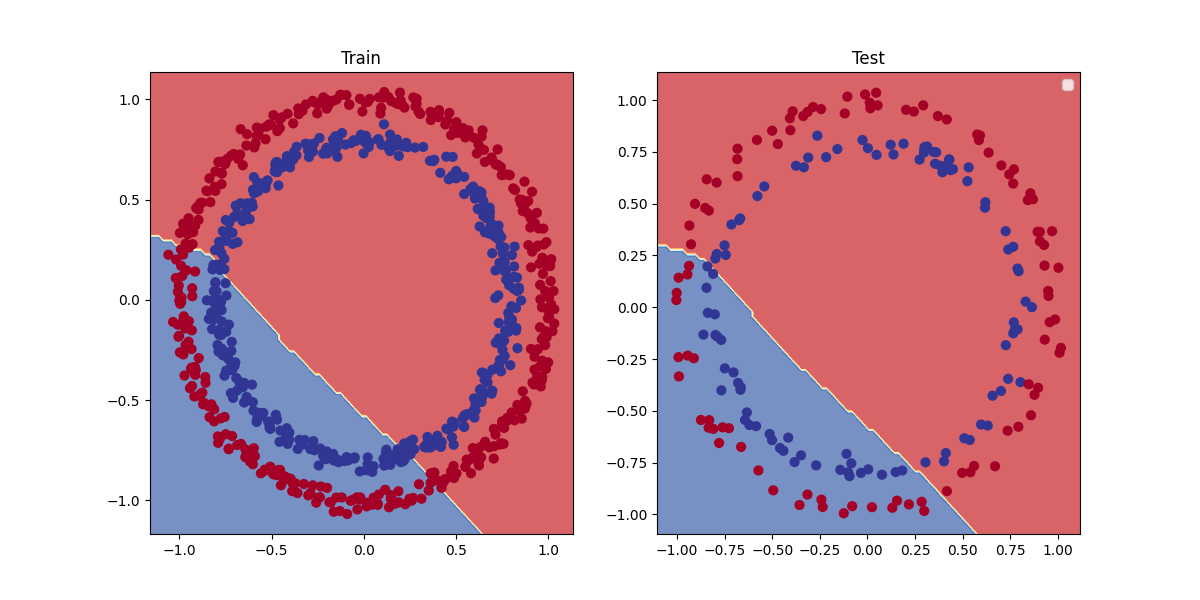
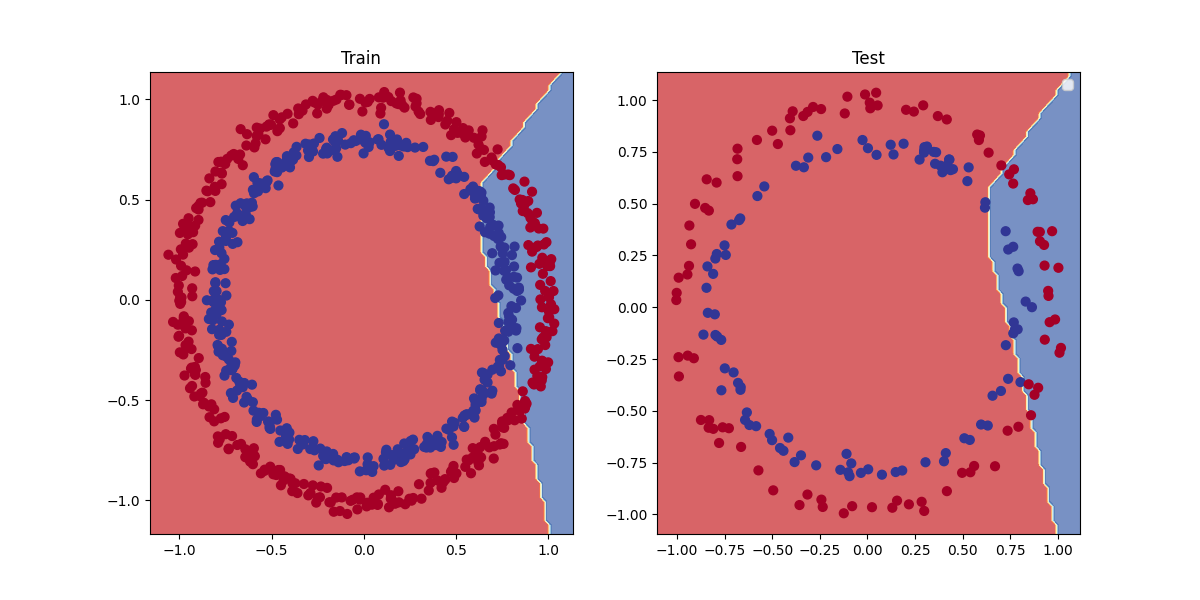
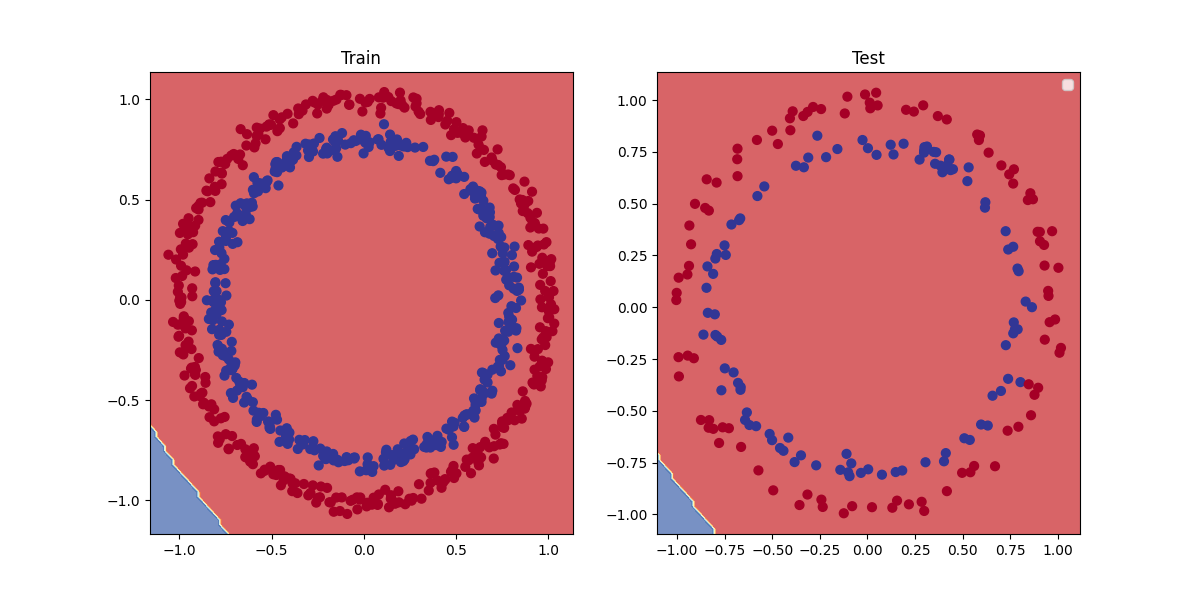
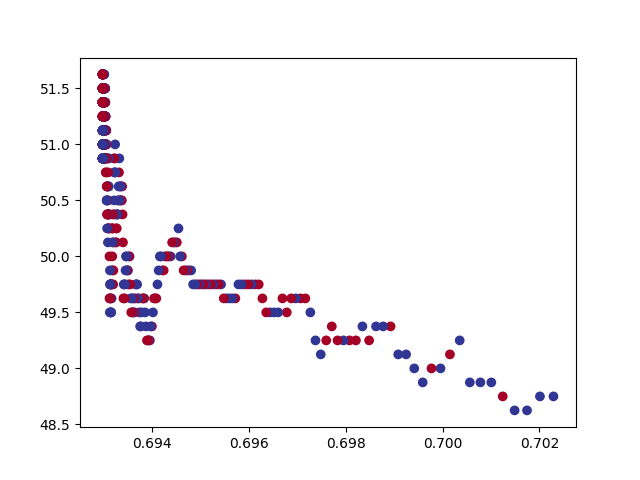
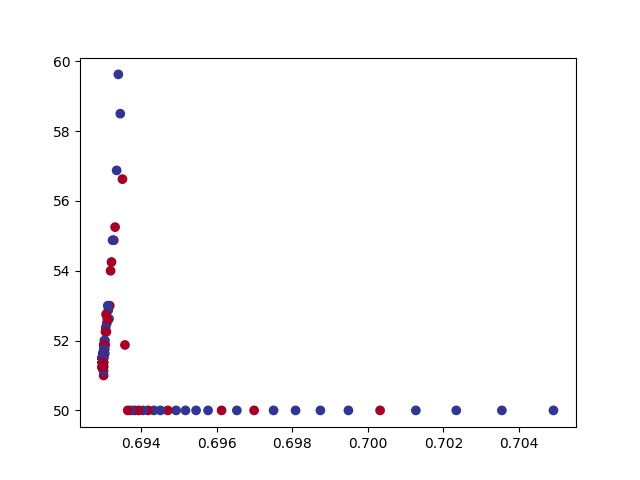
A PyTorch neural network to classify dots into red (0) or blue (1).
This dataset is a toy problem that's used to try and test things out in machine learning. But it represents
the major key of classification, where data is represented as numerical values which is used to build a model
that's able to classify it, separating it into red or blue dots.
Key Features:
Turn data into tensors: Turn NumPy arrays to PyTorch tensors
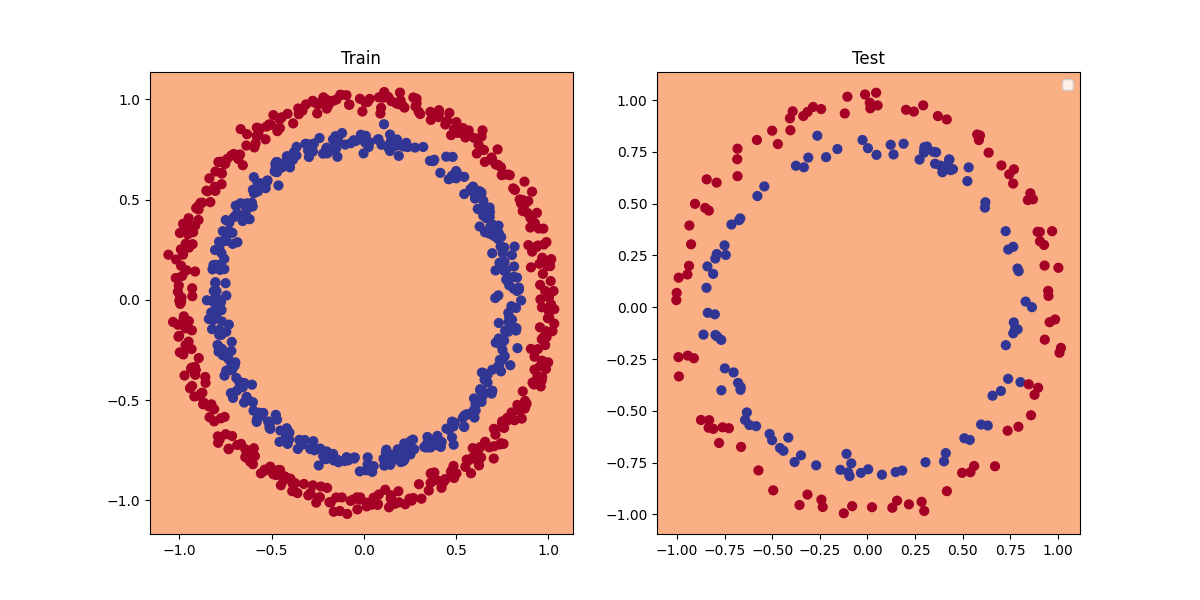
Split data into training and test sets: Train a model on the training set to learn the patterns
between X and Y and then evaluate those learned patterns on the test dataset. (80% training, 20% testing)
Build a model: Set up device agnostic code for the model to run on CPU or GPU if available.
Constructed a model by subclassing nn.Module, defind a loss function and optimizer, and create a training loop by
adjusting them so they work with the classification dataset. *here i used Binary cross entropy
loss beacuse it has a sigmoid layer built-in, and Stochastic Gradient Descent for optimizer"*
Objective:
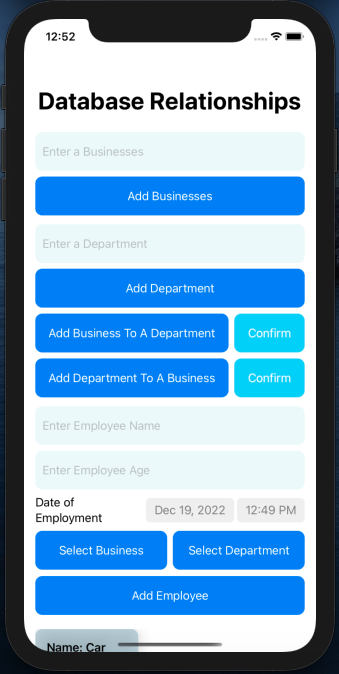
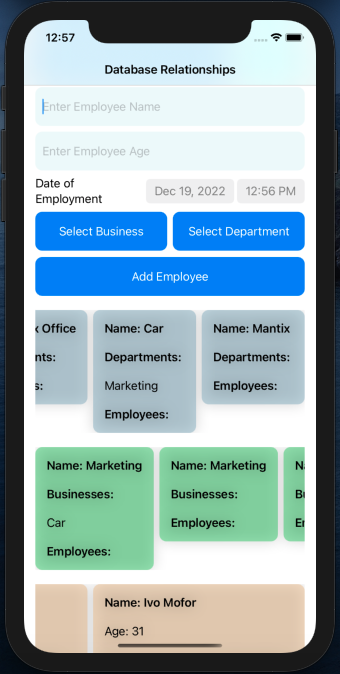
Integrate Core Data into SwiftUI applications using an alternative approach to @FetchRequest. By leveraging the Model-View-ViewModel (MVVM) architecture, the goal is to maintain a clean separation of concerns, keeping Core Data update logic distinct from the UI code, which ensures better maintainability and scalability in production applications.
Key Features:
Core Data Integration:Implement Core Data to handle data persistence in a SwiftUI application.
MVVM Architecture:Utilize MVVM to separate business logic and UI code, improving code organization and maintainability.
ViewModel Implementation:Use a ViewModel to manage Core Data operations and provide data to SwiftUI views.
Alternative to @FetchRequest:Avoid using @FetchRequest directly in SwiftUI views and instead handle data fetching and updates through the ViewModel.
Core Data Manager:Implement a Core Data Manager to handle the Core Data stack (persistent container, context, saving context).
SwiftUI Views:Design SwiftUI views that bind to the ViewModel, observing changes and displaying data.
Data Fetching and Binding:Use the ViewModel to fetch data from Core Data and bind it to SwiftUI views. Ensure the ViewModel updates the views when the data changes.
Benefits:
Separation of Concerns:By using MVVM, the Core Data-related logic is separated from the SwiftUI views, resulting in cleaner and more maintainable code.
Scalability:This approach makes it easier to scale the application and add new features without heavily modifying existing code.
Enhanced Maintainability:Keeping Core Data logic within the ViewModel reduces coupling and makes the application easier to test and maintain.
Conslution:
This project demonstrates a robust method for integrating Core Data into SwiftUI applications using the MVVM architecture. By avoiding @FetchRequest directly in SwiftUI views, the solution promotes better code organization, maintainability, and scalability, making it suitable for production applications.
Swift - SwiftUI - CoreData - MVVM
Objective:
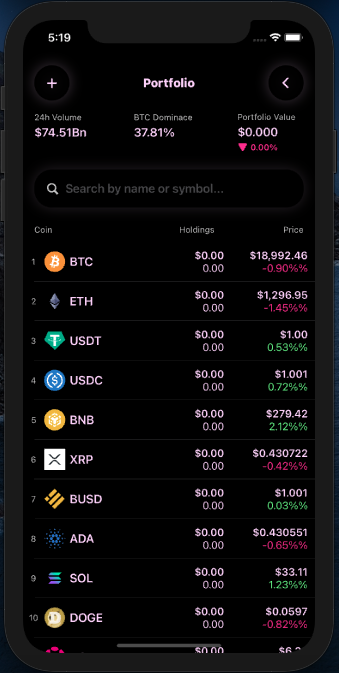
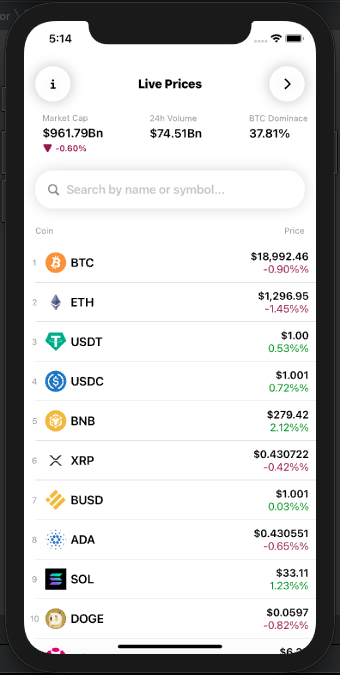
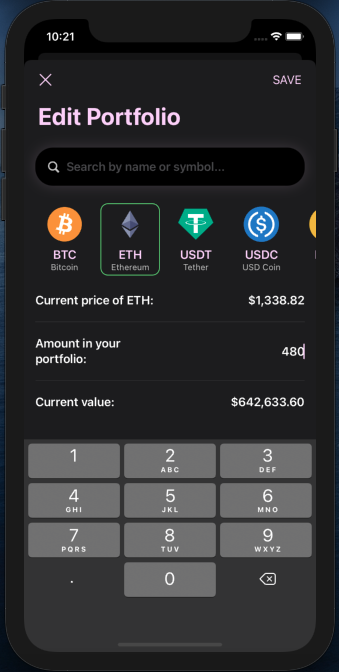
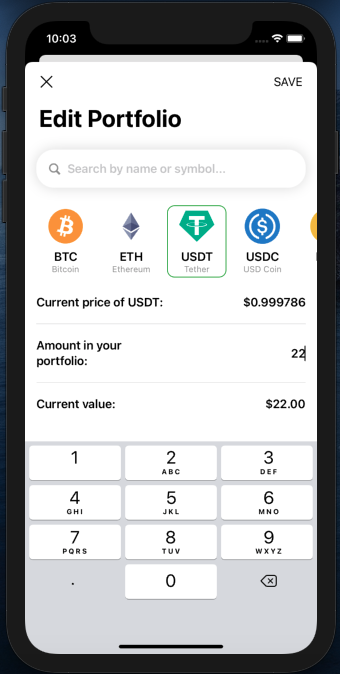
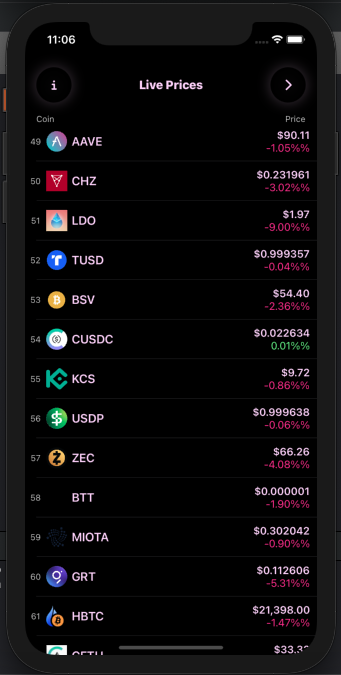
Develop a cryptocurrency application that downloads live price data from an API and saves the current user's portfolio using Core Data. The app employ the MVVM (Model-View-ViewModel) architecture to ensure code efficiency and maintainability.
Key Features:
Live Cryptocurrency Data:Fetch live price data for various cryptocurrencies from an external API.
User Portfolio Management:Save and manage the current user's cryptocurrency portfolio using Core Data.
Data Operations:Provide functionalities for searching, filtering, sorting, and reloading cryptocurrency data.
User Interface:Implement a custom color theme and loading animations for enhanced user experience.
Technical Features:
MVVM Architecture:Organize the project using the MVVM architecture to separate data management, UI, and business logic.
Core Data:Utilize Core Data for persistent storage of the user's portfolio.
FileManager:Save images related to cryptocurrencies using FileManager.
Concurrency with Async/Await:Manage multiple API calls efficiently using Swift's async/await for asynchronous operations.
API Integration:Make multiple API calls to fetch live cryptocurrency data.
Codable:Decode JSON data from API responses using Swift's Codable protocol.
SwiftUI Interface:Build the entire user interface using SwiftUI.
Safe Coding Practices:Use if let and guard statements to avoid crashes and ensure code safety..
Multi-threading and Performance:Utilize background threads for intensive tasks like data fetching and processing. Optimize app performance and responsiveness.
Conslution:
This project delivers a robust and user-friendly cryptocurrency app that leverages SwiftUI, Swift concurrency, and Core Data to provide real-time data and efficient portfolio management. The use of MVVM architecture ensures the code remains organized and maintainable, setting a strong foundation for future enhancements.
Technologies and Skills:
Swift - SwiftUI - FileManager, CoreData - MVVM - Concurrency with async/await
Objective:
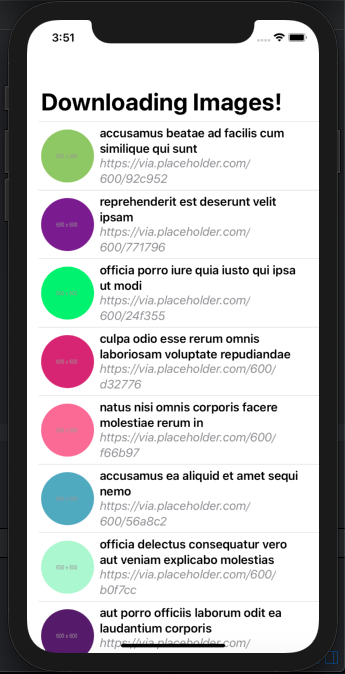
Develop an iOS application that downloads images from an external API using Swift concurrency, stores them in a cache directory, and retrieves them efficiently. The app aims to minimize network usage and improve user experience by caching images locally.
Key Features:
Image Downloading:Fetch images from an external API using Swift concurrency with async/await for efficient asynchronous operations.
Caching Mechanism:Save downloaded images to a cache directory on the device. Check if an image is available in the cache directory before downloading it again to reduce network calls.
Image Loading:Load images from the cache directory if they are already available. Download and cache images if they are not available locally.
Technologies and Skills:
Swift - SwiftUI - FileManager - Concurrency with async/await
Project Overview:
A personal mobile application developed with Swift, SwiftUI, CoreData, Combine, and Notifications, designed to adapt seamlessly to any screen size on iPhone and iPad.
Technologies Used:
Frontend Swift, SwiftUI
Data Management CoreData, File Manager
Asynchronous Programming Combine
User Engagement Notifications
Features:
Responsive Design: The app’s interface adapts smoothly to various screen sizes of iPhones and iPads, ensuring a consistent user experience across all devices
Image Descriptions: Integrates with a backend API service to fetch and display image descriptions dynamically.
Local Storage: Uses File Manager and app storage to save a small amount of data in a cache directory, enabling efficient data retrieval and offline access.
Notifications Implements local notifications to keep users informed and engaged with timely updates.
Responsibilities::
Designed and developed the entire frontend using Swift and SwiftUI, focusing on responsive design principles.
Implemented CoreData for efficient local data storage and management.
Utilized asynchronous events and data streams.
Integrated backend API service to pull and display image descriptions.
Managed local storage with File Manager to save data in the cache directory.
Set up local notifications to enhance user engagement and provide timely alerts.
Outcome:
Successfully delivered a versatile and adaptive iOS app that offers a smooth and responsive user experience across different device screens. The integration of API services and local storage capabilities ensured efficient data handling and offline functionality.
Project Scope:
This personal project was aimed at exploring advanced iOS development techniques and implementing a robust, responsive design. The app serves as a practical example of utilizing modern iOS development tools and frameworks to create a high-quality user experience.
Achievements:
Developed a fully responsive app interface compatible with various iPhone and iPad screen sizes.
Enhanced user experience with dynamic content fetching and local data storage.
Implemented effective local notifications to keep users informed and engaged.
Project Highlights:Swift and SwiftUI for a responsive and adaptive UI.
Frontend Development:CoreData for local storage and Combine for asynchronous programming.
Data Handling:API service for fetching image descriptions.
Backend Integration:API service for fetching image descriptions..
Local Storage: File Manager for saving data in the cache directory.
User Engagement:Notifications for timely updates.
This project demonstrates my capability to design and develop sophisticated iOS applications that are both user-friendly and technically robust.
Project Description and Inspiration:
Living in large cities like Johannesburg, Pretoria and Captown, I noticed a major issue; food insecurity.
This problem not only affects those lacking sufficient food but also those without culturally and dietary
appropriate options. For example, food pantries often distribute food that doesn't align with the cultural
preferences of their recipients. Consequently,
people don’t know how to use these ingredients, leading to waste and defeating the purpose of the pantries.
What It Does:
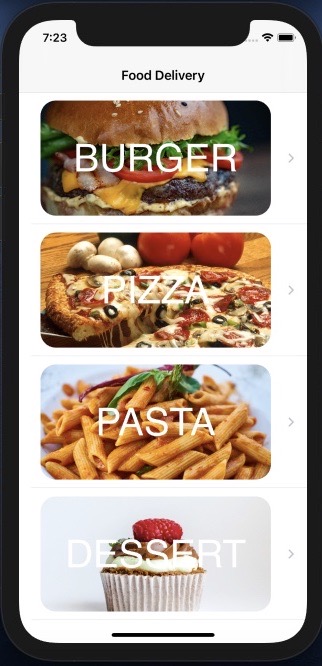
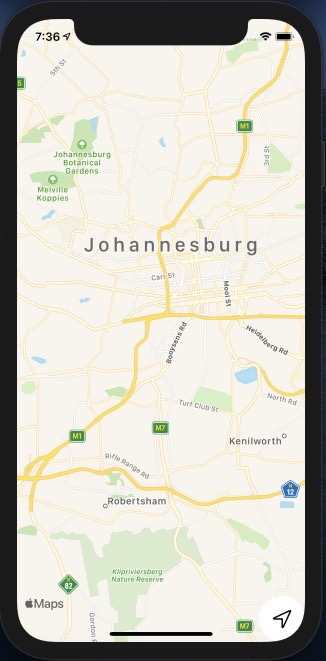
To address this, I created an app similar to a GPS for food pantries and food-insecure individuals.
Here's how it works:
User Requests: Individuals can request specific types of food that match their cultural and dietary needs.
Database Creation: The app collects these requests, building a database of preferred food items over time for each pantry.
Smart Lists: The app then generates a smart list, displaying the requested foods to the pantry staff.
Informed Donations: Donors can see this list and provide the specific items needed, ensuring the food given out is culturally and dietary appropriate.
By using this app, I aim to reduce food waste and ensure that everyone gets the food they need and prefer, making food pantries more effective and efficient.
How we built it
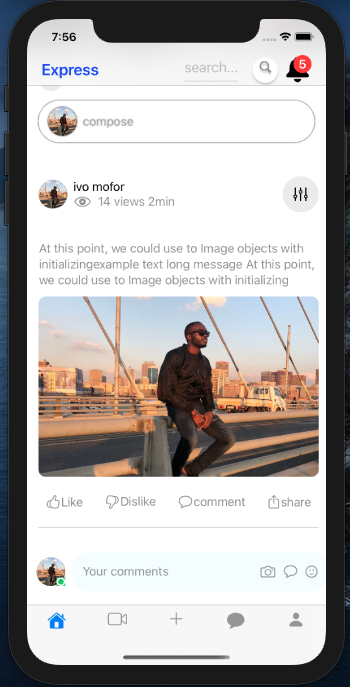
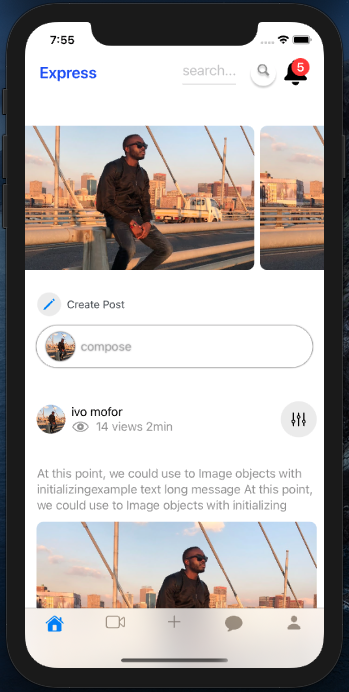
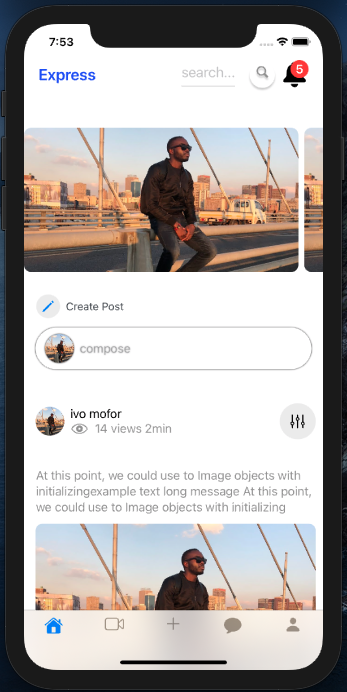
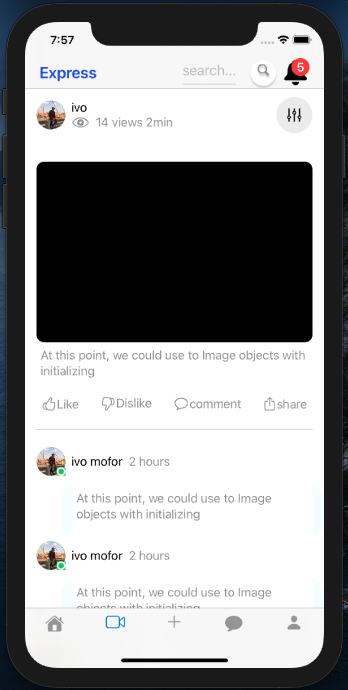
I created an iOS app that functions like a GPS for food distribution. It collects data from user input, manages inventories for food pantries, and displays desired and necessary food items to users. Just as a GPS guides you to your destination, our app guides pantries to stock the right foods, ensuring users receive culturally and dietary appropriate items.
Challenges I ran into:
Creating and storing data into a server.
Creating the proper algorithm that suits the goals of the app.
Accomplishments that I am proud of:
Smooth and simple UI.
Integrated a smart list feature that changes dynamically.
What's next for my food delivery app:
Create a large server that accumulates inputted data over multiple pantries over time and expand our services to communities across the country.
Built With:
Swift - SwiftUI - Mapkit - CoreData.
Project Overview:
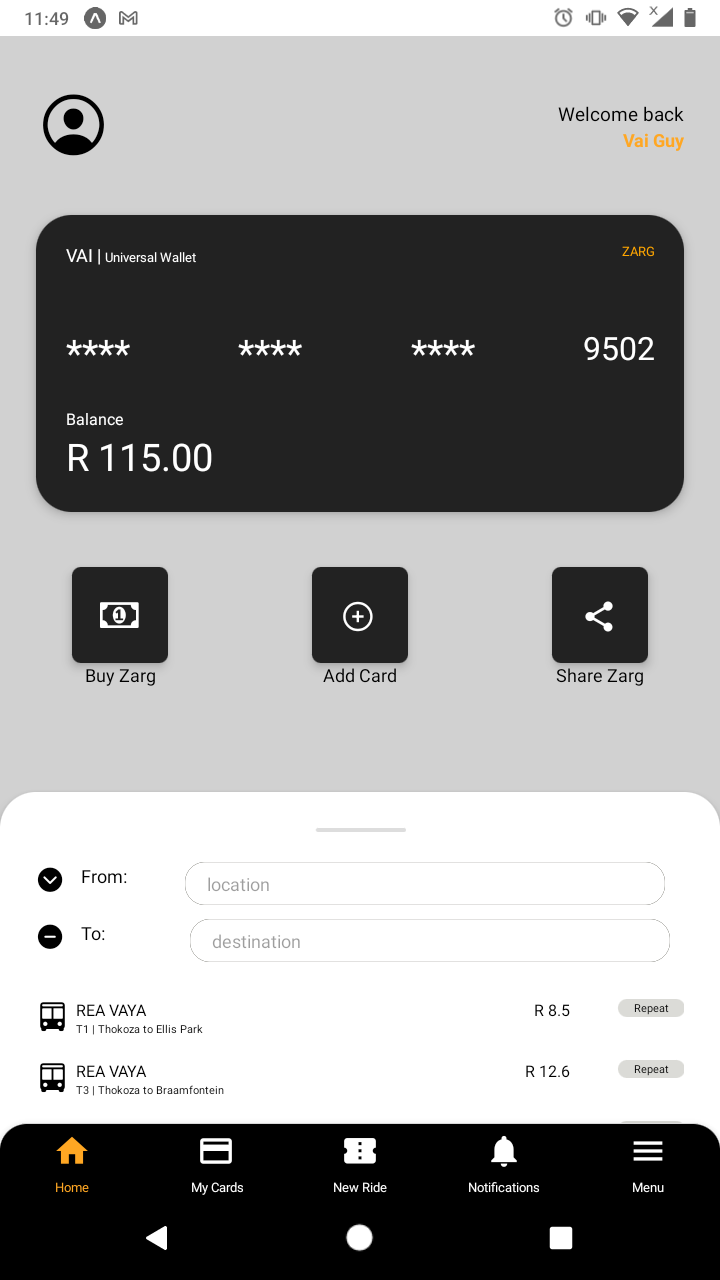
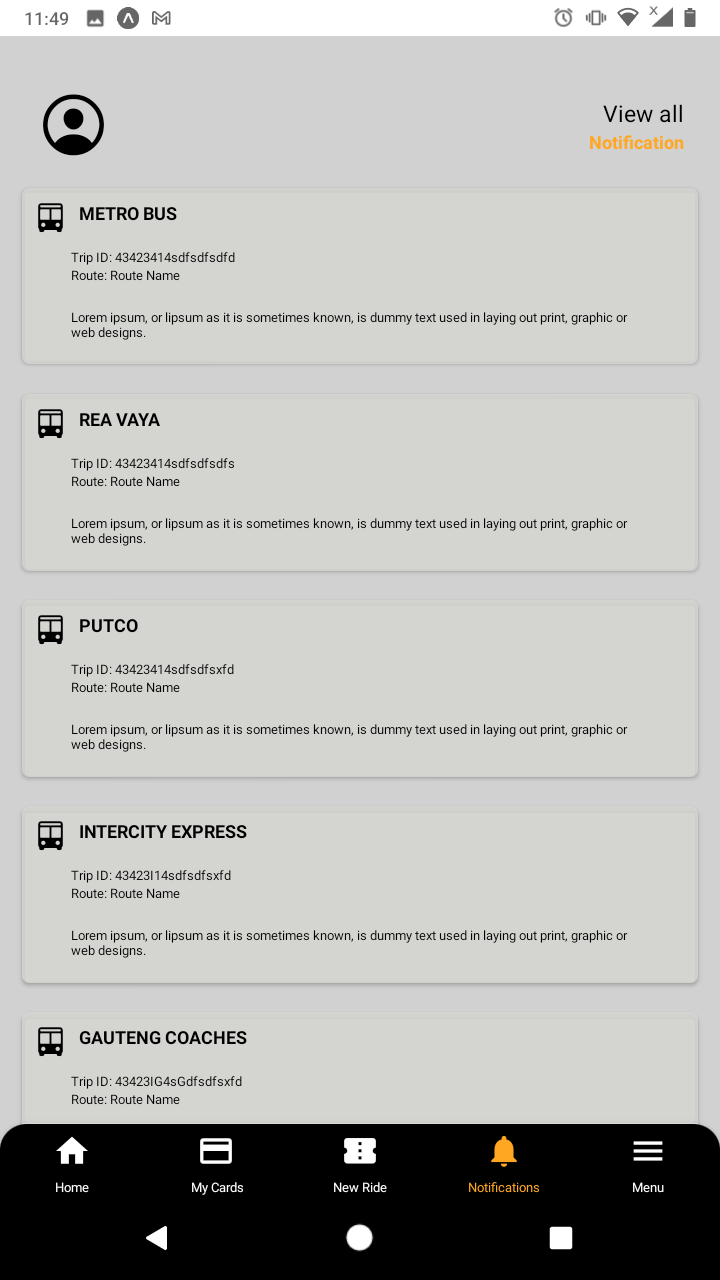
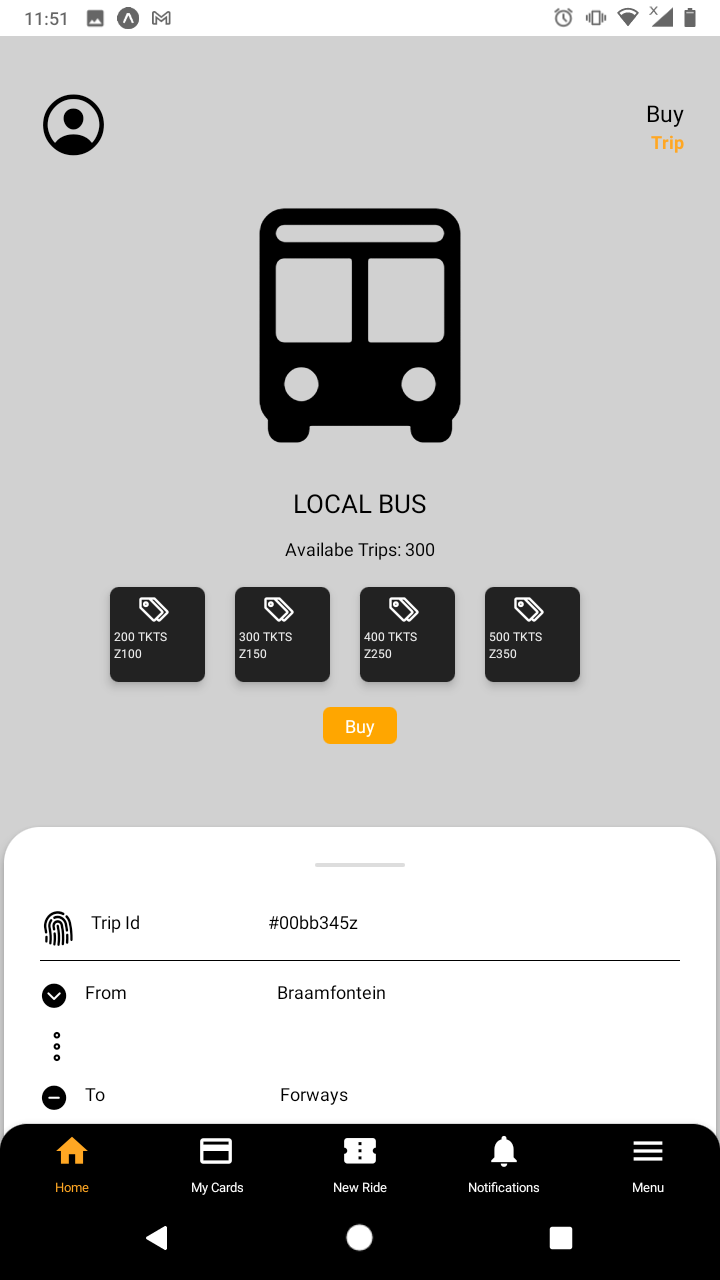
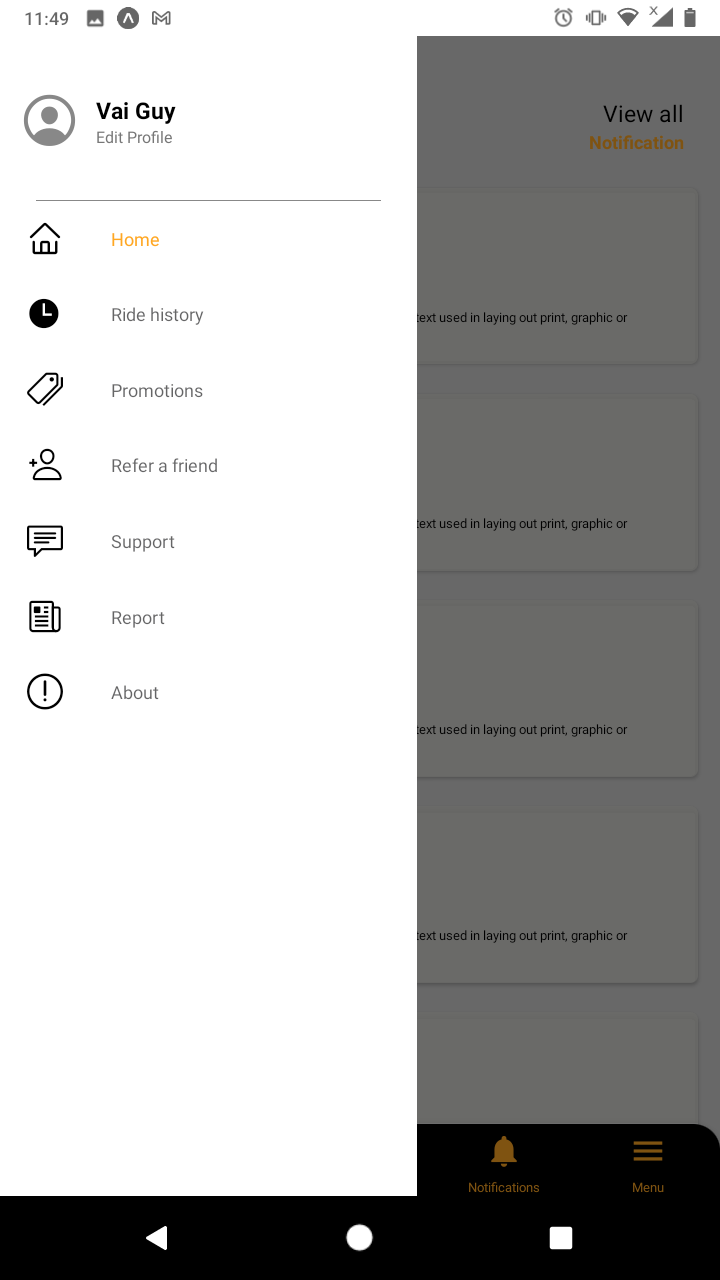
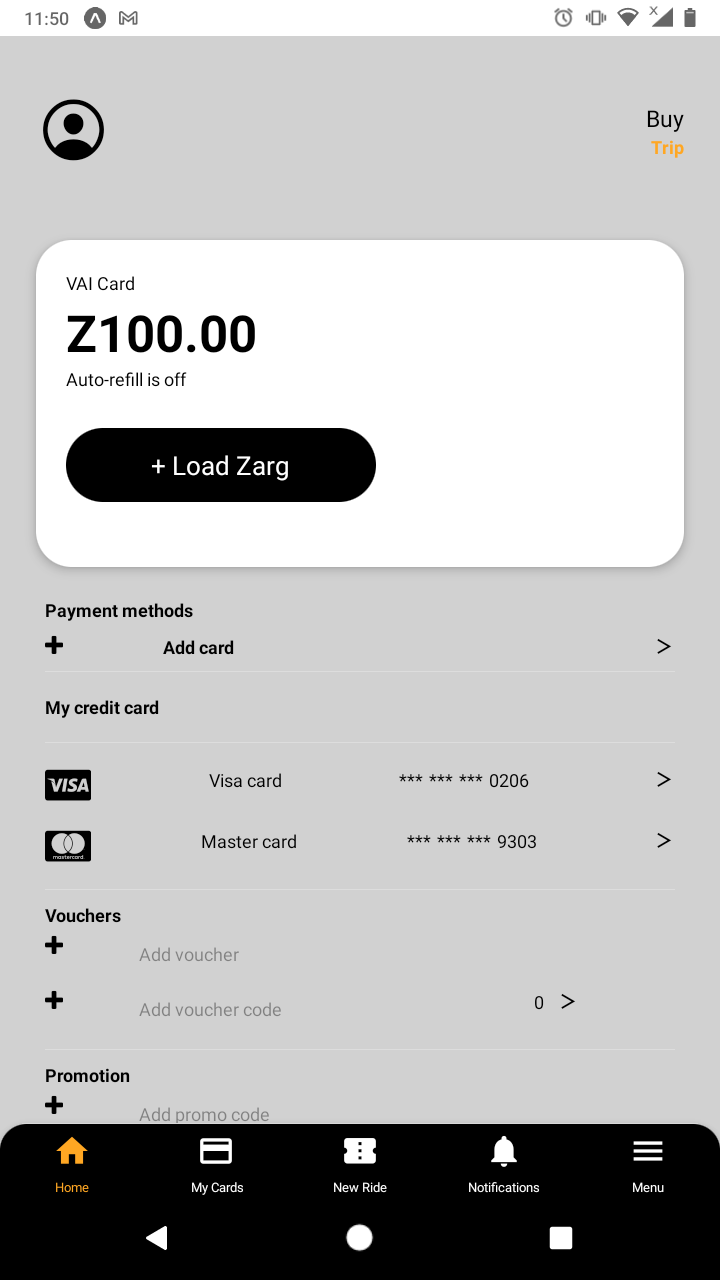
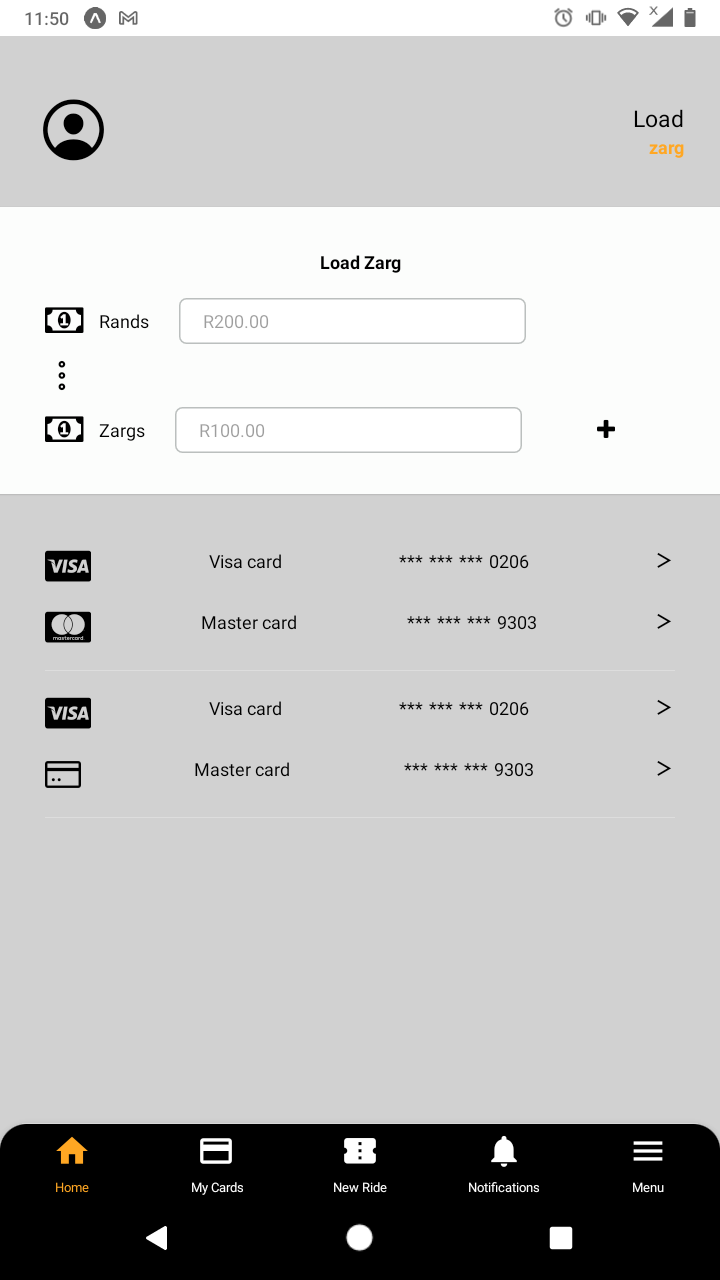
Developed a comprehensive mobile application for iOS and Android platforms to facilitate easy payment of bus fares and trips from all bus companies using a single platform.
Features:
Unified platform for payment and management of all bus transportation services in the Gauteng province.
Responsibilities:
Designed and implemented key app features, ensuring seamless integration with various payment systems.
Collaborated with cross-functional teams to enhance user experience and app functionality.
Conducted extensive testing and debugging to maintain high performance and reliability.
Outcome:
Successfully delivered a robust app that improved the efficiency and convenience of bus transportation payments for users across Gauteng province.
Project Details:
Client: Boston App Development
Role: Frontend Developer.
Project Scope:
The application was designed to be a one-stop solution for all bus fare payments and trip management in Gauteng. It aimed to streamline the user experience by consolidating various bus companies into a single, easy-to-use platform.
Achievements:
Delivered a high-performance, user-friendly app.
Enhanced the efficiency of the bus transportation payment system in Gauteng.
Improved user convenience by providing a single platform for multiple bus services.
Team Collaboration:
Worked closely with backend developers, designers, and QA teams.
Ensured that the app met all client requirements and user expectations.
Participated in regular meetings to discuss progress and resolve any issues.
This project stands as a testament to my ability to develop and deliver high-quality mobile applications that meet user needs and improve system efficiencies.
Built With:
React Native - C#.